ISOBUS-Ready Implements: Compatibility Checks Before You Buy
Key Takeaways
- Palo Alto Networks Confirms PHP2Shell RCE Flaws Affect PAN-OSIT & Security Director
- How much does cold weather reduce the range of electric scooters?Automotive Tech Analyst
- Used EV Battery Aftermarket Could Reach 10%–20% Share Within Five YearsAutomotive Tech Analyst
- Which electric steering components can cause intermittent assist loss?Automotive Tech Analyst
- Crusoe and Araico Plan 106 MW AI Cloud Infrastructure Project in ParaguayIT & Security Director
- Is an SDS enough to verify chemical compliance for polymers?Lead Materials Scientist
- Can Non-ISOBUS Implements Work With an ISOBUS Tractor? Retrofit OptionsAgri-Tech Strategist
- Titanium Dioxide Stability in Exterior Coatings: What Drives Chalking?Lead Materials Scientist
Industry Overview
We do not just publish news; we construct a high-fidelity digital footprint for our partners. By aligning with TNE, enterprises build the essential algorithmic "Trust Signals" required by modern search engines, ensuring they stand out to high-net-worth buyers in an increasingly crowded global digital landscape.
ISOBUS-Ready Implements: Compatibility Checks Before You Buy
Buying isobus-ready implements should simplify fleet integration—not introduce costly surprises at delivery. Yet an ISOBUS label does not guarantee that every tractor, terminal, and implement will support the functions your operation needs. A machine may display its controls correctly while automatic section switching, prescription maps, or job records remain unavailable.
The purchasing question is therefore not simply, “Does it have ISOBUS?” It is, “Will this exact configuration perform our required work, with the equipment and software we already own?” Before signing, verify the certified functionality, terminal capabilities, software versions, and physical installation. Then make the promised performance part of delivery acceptance.
Start with the job, not the connector
ISOBUS is based on the ISO 11783 series of standards for communication between agricultural tractors, implements, and related equipment. That common foundation helps different brands work together, but compatibility is function-specific. Sharing a communication standard does not mean two machines support every available feature.
Consider a sprayer that will rotate among several tractors. One tractor may need only manual operation through the display. Another must switch sections automatically at headlands. A third must apply prescription rates and return application records to farm-management software. These are three different compatibility requirements, even though the implement is unchanged.
Write a short operating specification before comparing quotations. Identify the tractors, displays, guidance receivers, implements, and office software involved. Record exact models and installed software versions—not just brand names. Separate essential capabilities from useful extras. Otherwise, a cheaper quotation can look equivalent while omitting the licenses or hardware that make the required workflow possible.
Read AEF certification at the functionality level
The Agricultural Industry Electronics Foundation, or AEF, provides a practical framework for checking ISOBUS functionality. Its ISOBUS Database helps users investigate certified products and the functions supported by selected combinations. Request the relevant database entries from suppliers and check the listed product configuration and software details against the equipment being offered.
Do not accept a certification logo as evidence that the complete workflow is covered. The useful evidence is which functionalities are certified and whether the necessary components support them together.
An absent database entry is not conclusive proof that equipment cannot communicate. It does mean the buyer should not treat interoperability as verified. Ask for written technical confirmation and an exact-configuration demonstration. Conversely, certification does not replace field setup: incorrect geometry or timing can undermine a certified system.
A working screen is only the first compatibility check
Loading the implement’s object pool—the interface information used by the terminal—is a useful initial test. It is not an acceptance test for the whole machine. Check that every required operating page, alarm, calibration menu, and manual override is accessible on the proposed display.
Ask about terminal limits that affect the actual job: supported section count, task-controller channels, concurrent implements, and screen layout. These capabilities vary by product and software release. A display suitable for a straightforward spreader may not suit a multi-product planter, even when both interfaces load successfully.
Multiple displays deserve particular attention. A tractor may use its integrated screen for vehicle settings and a separate terminal for implement operation. The supplier should document which device provides UT, which runs the task controller, and how the implement connects to each. Leaving those roles ambiguous can cause confusing startup behavior or require repeated operator intervention.
For joystick operation, confirm the supported auxiliary-control generation and demonstrate the assignments. “ISOBUS joystick compatible” is too vague when the operator expects specific functions on specific buttons.
Test section control and variable rate as separate workflows
Automatic section control depends on more than TC-SC support. The system needs usable position information, correct implement geometry, section definitions, and appropriate switching delays. Check who supplies the positioning source and whether the quoted configuration includes the accuracy, correction service, and connections required for the intended work.
During a demonstration, watch the implement enter and leave a previously covered area. Compare the display’s switching indication with the actual machine response. Valve operation, material travel, and mechanical actuation can introduce delays. Those delays need calibration; they should not immediately be diagnosed as a communication fault.
Variable-rate application needs a different test. A terminal displaying a prescription map does not establish that the implement receives and applies the correct targets. Confirm which products and control channels are supported, how prescription zones map to those channels, and what happens outside the mapped area or after positioning is lost.
Use a representative prescription file from the buyer’s own workflow. Check units, product assignments, target rates, and recorded results. Where live application is impractical, agree on a safe staged test and identify what still requires field verification. A showroom simulation should not silently become proof of application accuracy.
Follow the data all the way back to the office
Task-data exchange is often where an apparently complete installation develops extra work. ISOXML is used in ISOBUS task-data workflows, but format support alone does not establish that every software package will interpret every field or device description as expected.
Run a round-trip test: create a job in the intended farm-management system, transfer it to the terminal, execute a controlled task, export the result, and reopen it in the office software. Inspect field identity, products, units, totals, and geographic application records where supported. Seeing a file on a USB drive is not the same as having usable records.
Also distinguish ISOBUS communication from cloud connectivity. Wireless transfer may depend on separate modems, subscriptions, accounts, or proprietary services. Ask who controls account access, whether records remain exportable after cancellation, and what the offline process looks like. These details matter when a machine moves between contractors or operating businesses.
Inspect the installation—and price what is missing
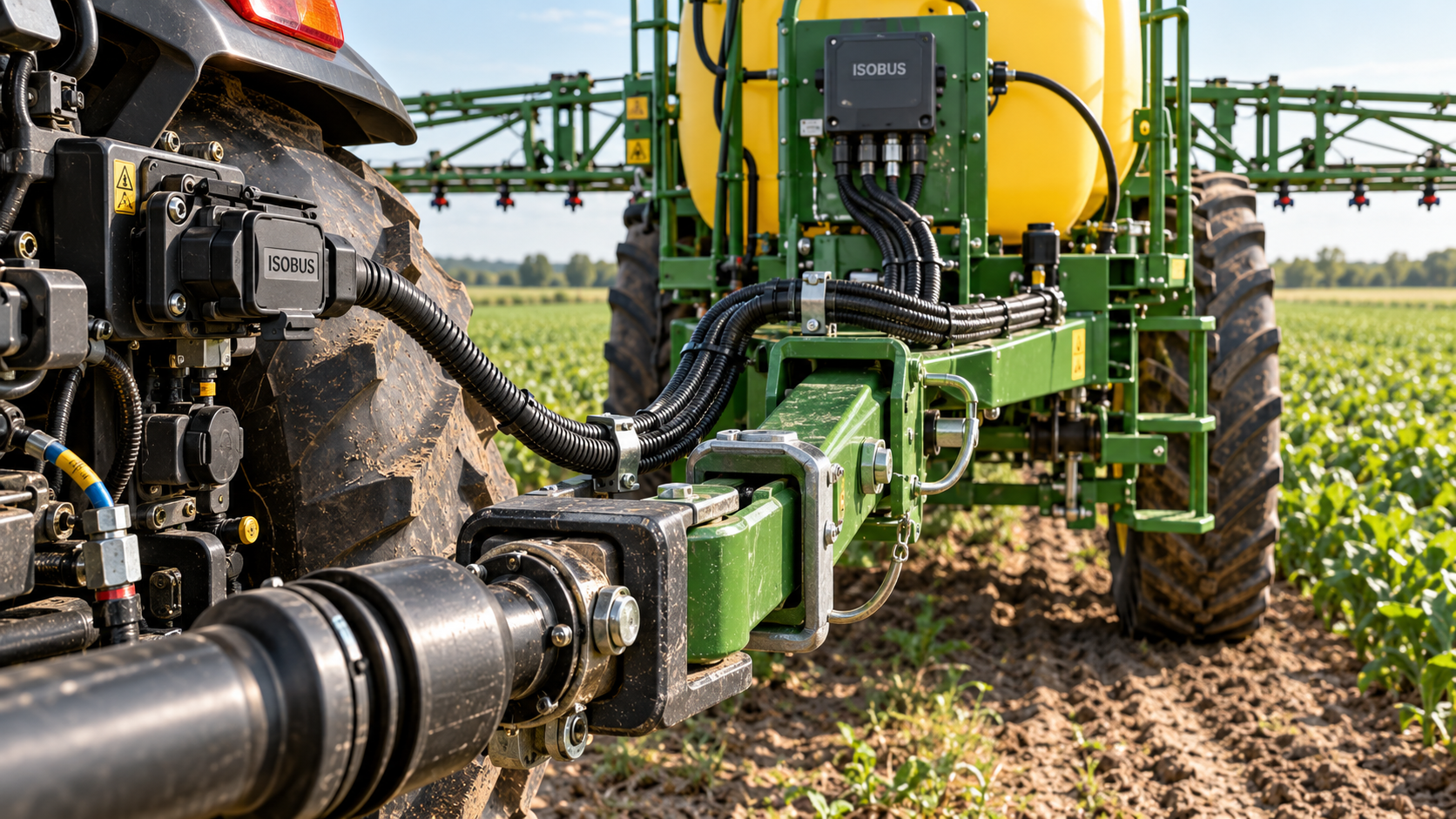
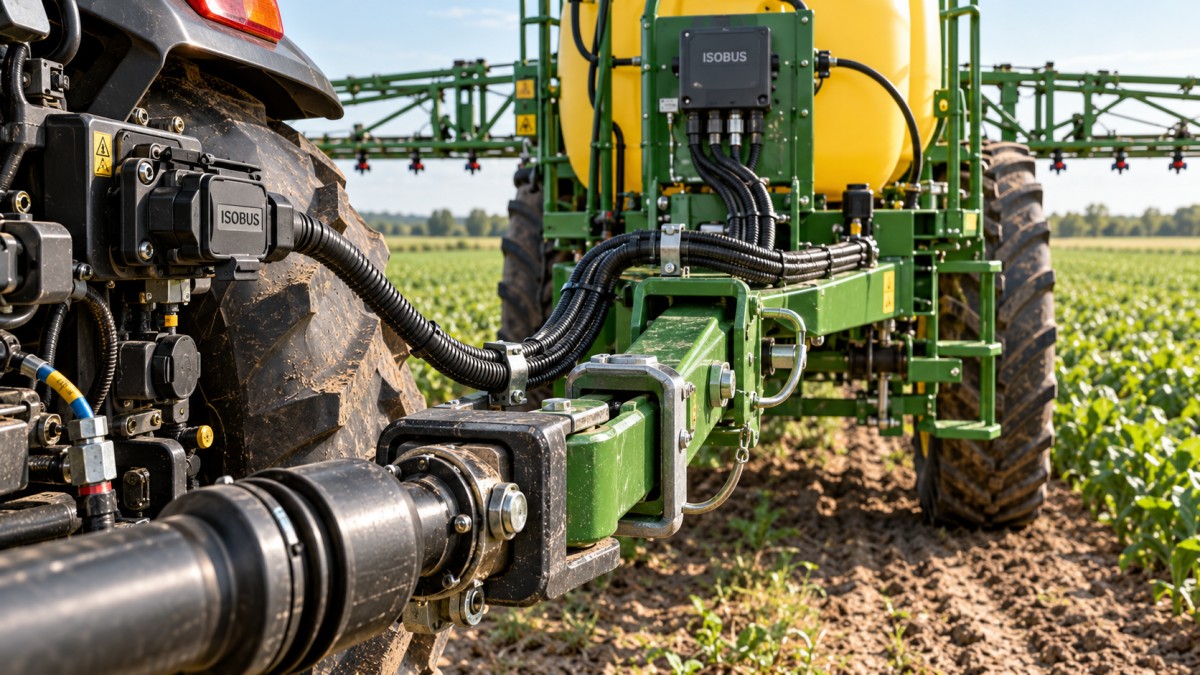
“ISOBUS-ready” is not a sufficiently precise description of the delivered package. Depending on the supplier, the quoted machine may still need a harness, terminal activation, task-controller license, joystick, or tractor-side installation. Require an itemized bill of materials with included and excluded components clearly identified.
Have the dealer inspect the tractor’s connection, power supply, grounding, harness routing, and network termination against manufacturer requirements. Confirm electrical capacity for the implement and any separate power connections. ISOBUS communication does not establish compatibility with hydraulic flow, return-pressure limits, PTO requirements, hitch geometry, or braking systems; those checks remain necessary.
For a mixed-age fleet, retrofit costs can change the buying decision. An older tractor might support the work after an approved installation, but the purchase calculation should include commissioning, operator training, and support—not just the socket and cable.
This equipment-to-workflow view fits TradeNexus Edge’s focus on practical agri-tech sourcing intelligence: compare what can be delivered and supported, rather than treating a feature label as a complete specification.
Put software and support responsibility in writing
Record the tested software versions for the tractor controller, implement ECU, terminal, and relevant office software. Ask whether updates are required before delivery, who performs them, and whether licenses remain active after replacement or transfer. A promised future release should be treated as an unresolved dependency, not a delivered capability.
Cross-brand faults can leave the buyer passing messages between dealers. Name a lead support contact in the purchase agreement and establish how the suppliers will share diagnostic information. Request a configuration backup and restoration procedure where supported, plus an agreed escalation route during seasonal work.
If tractor-implement automation is required, examine it separately. TIM, or Tractor Implement Management, concerns implement control of supported tractor functions. Basic ISOBUS operation does not establish TIM capability; the specific tractor, implement, authorizations, and safety conditions need confirmation.
Make acceptance specific enough to resolve a dispute
Replace “fully ISOBUS compatible” in the order with a configuration-specific acceptance schedule. It should identify the equipment and versions, required functions, test conditions, evidence to retain, and responsibility for correcting failures.
- Verify reliable startup, interface loading, alarms, and manual operation.
- Demonstrate the agreed section-control and prescription-rate behaviors.
- Complete task-data export and successful import into the specified office system.
- Repeat essential checks on each materially different tractor-terminal combination.
- Document unresolved limitations, corrective deadlines, and contractual remedies.
The strongest offer is not necessarily the implement with the longest feature list. It is the one whose supplier can demonstrate your essential workflow, identify its limits, and accept responsibility for the delivered configuration. If that evidence is unavailable before ordering, price the uncertainty—or make successful testing a condition of purchase.
Deep Dive
Related Intelligence
 Precision FarmingHow Global Commerce Data Helps Precision Farming Equipment Managers Forecast Spare Part Demand AccuratelyAnalyst:Agri-Tech Strategist
 Precision FarmingHow much does deploying automated farming solutions manufacturer hardware increase labor efficiency on layer farms?Analyst:Agri-Tech Strategist
 Precision FarmingWhy automated farming solutions manufacturers prioritize modular design over full-stack integrationAnalyst:Agri-Tech Strategist