Can mobile POS systems accept payments without internet access?
Key Takeaways
- OpenRouter Removes Three AI Inference Providers After Prompt TheftIT & Security Director
- How to verify supplier credentials in global chemical sourcingLead Materials Scientist
- National Cybersecurity Standards Committee Seeks Feedback on Three GuidelinesIT & Security Director
- How to verify specialty chemical exporters in IndiaLead Materials Scientist
- Trump Fires National Cyber Director, Names Kirsten Davies Acting DirectorIT & Security Director
- Can mobile POS systems accept payments without internet access?IT & Security Director
- Malaysia and US Deepen Sovereign AI Cloud Cooperation, With $50 Million in US SupportIT & Security Director
- How chemical recycling is reshaping plastics technology in EuropeLead Materials Scientist
Industry Overview
We do not just publish news; we construct a high-fidelity digital footprint for our partners. By aligning with TNE, enterprises build the essential algorithmic "Trust Signals" required by modern search engines, ensuring they stand out to high-net-worth buyers in an increasingly crowded global digital landscape.
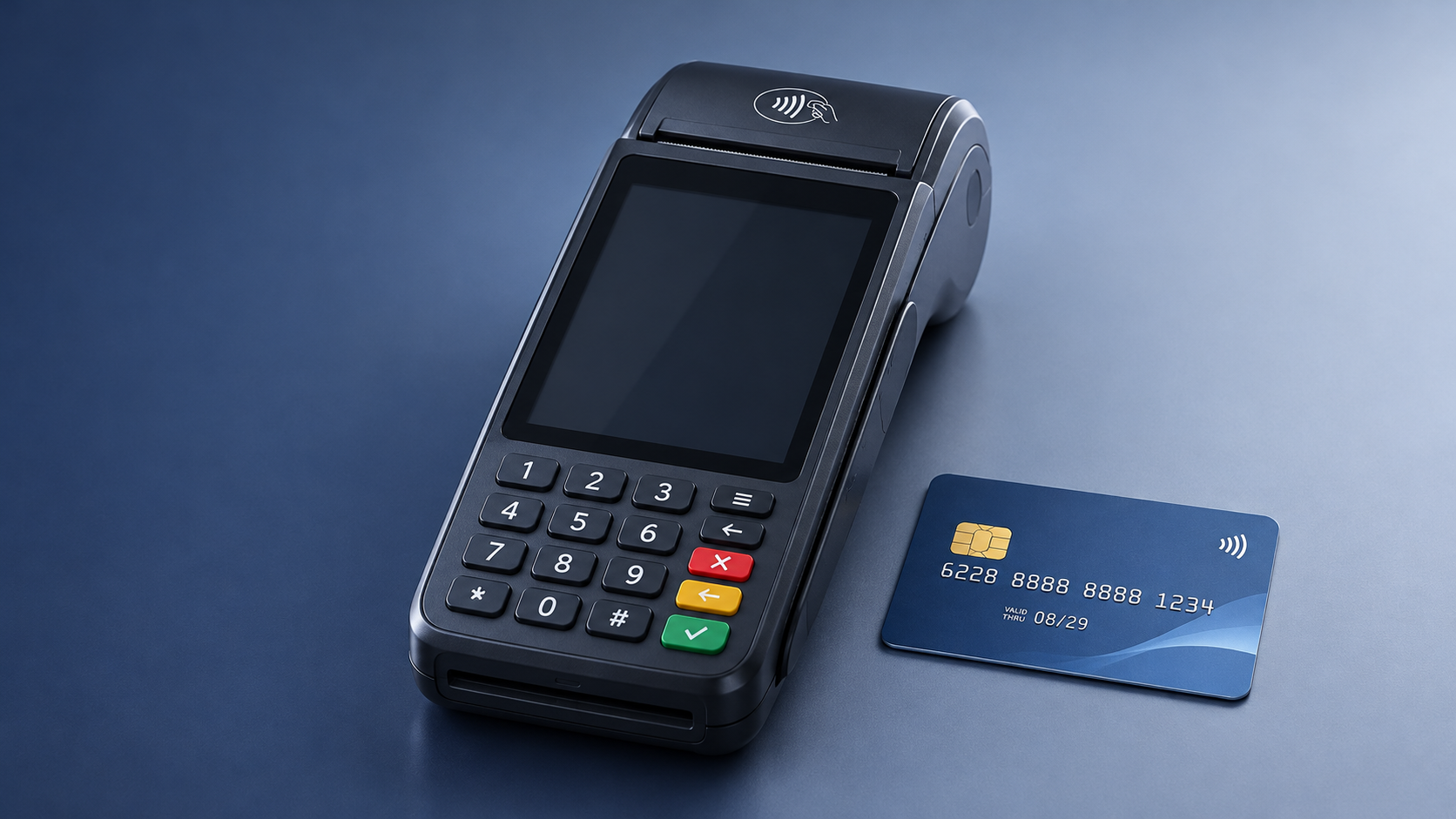
Yes, some mobile POS systems can accept certain card payments without an internet connection. The important distinction is that an offline payment may be captured at the point of sale but submitted for processing later. Until the transaction reconnects and is processed, the business may not know whether it will be approved or receive the funds.
Offline capability depends on the payment provider, the card reader, the type of payment and the settings on the merchant account. A system that works over cellular data is useful when Wi-Fi fails, but it still needs an internet connection. A system with offline payment capture can continue taking eligible transactions when neither connection is available, subject to its provider’s rules.
For a purchasing decision, the practical question is how much business the system can safely support during an outage—and what happens to those transactions afterward.
What happens when a mobile POS takes a payment offline?
During a normal card payment, the POS sends transaction information through a payment processor to request authorization. The response tells the business whether the transaction was approved or declined. Offline capture changes that sequence: the device records an eligible payment while disconnected, then submits it when connectivity returns.
That delay creates a period of uncertainty. A receipt or a “payment captured” message does not necessarily mean the transaction has been authorized, settled or paid out. The payment could later be declined, for example, because the card is invalid, the account has insufficient funds or the issuer will not approve the transaction. Depending on the provider’s terms, the business may bear the loss.
Some card and terminal combinations can support offline authorization under applicable payment-network and issuer rules. That is a different process from simply storing a transaction for later submission, and its availability should not be assumed. Ask the provider exactly what its offline mode does and what status staff will see at checkout.
A useful evaluation follows the transaction through four stages: the device captures the payment, the payment is held securely while disconnected, the POS submits it after reconnection, and the business checks the final result. A product demonstration should show all four stages, including what happens when a submitted payment fails.
Which payments can a POS accept without internet?
There is no universal offline payment menu. Availability can vary by provider, device, card type, payment network, location and account configuration. Even when a card reader supports offline transactions, the merchant account may need the feature enabled before an outage occurs.
Debit payments that require online PIN verification may not be available without connectivity. A card presented as debit might also be processed differently depending on the system and transaction. Ask which options appear to both staff and customers when the device is offline, rather than relying on a general claim that the terminal accepts debit cards.
Similarly, accepting a mobile wallet while connected does not establish that wallet payments will work offline. The wallet, terminal and provider must all support the relevant transaction flow.
Offline mode and cellular backup solve different problems
A mobile POS can use Wi-Fi, a phone’s cellular connection or a terminal with its own cellular connectivity. Cellular backup can keep normal online authorization available when a venue’s Wi-Fi fails, provided the device has coverage, an active data service and a working connection to the processor.
That makes cellular backup a strong option for a shop with unreliable broadband but dependable mobile coverage. It also gives staff a real-time authorization response for supported payments. However, it will not solve an outage affecting both networks, a location with no signal, a depleted device battery or a processor-side disruption.
Offline capture is relevant when the device cannot reach the processor at all. It preserves the possibility of taking eligible payments, but it introduces delayed authorization and potential losses. Some businesses may want both: cellular connectivity for routine resilience and a controlled offline mode for the remaining gaps.
There are also situations where neither option is enough. If the business cannot tolerate uncertain payment outcomes, sells high-value goods or needs immediate confirmation before handing over an order, accepting delayed authorization may be a poor fit. An alternative payment method or a pause in card sales may be more appropriate during an outage.
What to examine before choosing a system
Eligibility, limits and time windows
Ask for the offline rules that apply to the actual merchant account, not just the capabilities advertised for the hardware. Providers may set limits on individual transactions, total offline volume or how long stored payments can remain unsubmitted. Rules may also differ by payment method or business type.
These limits should match the expected disruption. A temporary connection gap at a market stall presents a different problem from an all-day event with no reliable signal. If a device stops accepting offline payments after reaching a threshold, staff need to know what they will see and what to do next.
Clarify whether offline mode starts automatically or must be enabled in advance. Also ask whether the app needs a recent sign-in, an initial online setup or a connection before the start of a shift. A feature that has not been activated before the network goes down may not be available when needed.
Loss exposure and failed payments
Compare providers on the consequences of a decline after reconnection. Determine who bears the loss, whether any protection applies and which exclusions matter. Consider the potential exposure across all devices and locations, not only the value of one sale.
For example, a low-value sale at a busy outdoor event may justify a limited amount of offline risk to keep a queue moving. A seller taking a large deposit for expensive equipment may prefer to wait for online authorization. The decision depends on the value of the transaction, the ability to contact the customer later and whether goods or services have already been delivered.
Operational visibility matters too. Find out how failed submissions are reported, which staff member receives the alert and whether the system distinguishes a payment awaiting submission from one that was declined. A queue of unsubmitted payments should not look like completed revenue in the reports used to close the day.
Reconnection, receipts and reconciliation
Ask whether stored payments upload automatically, whether the POS app must stay open and how staff can confirm that the queue is empty. The process should account for multiple readers: reconnecting one device does not necessarily submit transactions stored on another.
Check what happens if a device loses power, the app closes, a user signs out or hardware is damaged before submission. Avoid clearing app data, resetting a device or replacing it while payments are pending unless the provider’s recovery procedure explicitly directs staff to do so. The practical issue is whether transaction data can still be recovered and submitted.
Receipts deserve attention because customers may interpret one as proof that a payment is complete. Review the receipt wording and the status shown to staff. For reconciliation, determine how pending, submitted, approved and declined transactions appear in sales reports, and how they match against processor records and eventual payouts.
Costs beyond the device
A comparison should cover the whole operating arrangement: hardware, software, cellular service where applicable, payment processing and any charges associated with offline transactions. Ask whether the rate or fee differs by payment method or transaction type, and whether a failed or disputed payment creates additional costs under the agreement.
A lower device price may be less attractive if the solution needs a separate data plan, additional equipment or substantial manual reconciliation. Conversely, paying for cellular connectivity may be worthwhile if it keeps most transactions online and reduces the number exposed to offline risk.
Test the workflow against a realistic outage
A vendor demonstration is most useful when it reflects the intended setup: the same reader, app, account configuration, payment methods and receipt process that staff will use. An evaluation can follow this sequence:
- Prepare the device while online. Complete setup and enable any required offline setting. Confirm which payment types and transaction limits apply.
- Simulate a loss of connectivity. Disconnect the relevant network connections and observe whether the POS identifies the offline state clearly.
- Run permitted test transactions. Use the provider’s approved test procedure to see what staff and customers are shown, including any unsupported payment methods.
- Restore connectivity. Observe how transactions are submitted and how the device signals that processing is complete.
- Review the records. Locate pending and final transaction statuses, receipts and reconciliation reports. Ask the provider to demonstrate the failed-payment workflow if it cannot be safely reproduced in the test.
The result should be an operating procedure, not just a successful demonstration. Staff need to know when they may accept offline payments, what limits apply, how to explain a pending transaction and who checks the queue after service returns. They also need a fallback for customers whose payment method is unavailable.
If several locations or temporary teams use the system, assign responsibility for each device. A reader left in a drawer with unsubmitted payments can turn a short outage into a reconciliation problem. Keep the devices charged and make reconnection and queue review part of the close-of-shift process.
Choose based on the interruption you need to survive
For occasional Wi-Fi outages in an area with good mobile coverage, cellular backup may provide the most straightforward continuity because transactions can continue through the usual online authorization flow. For a remote site or event where coverage may disappear altogether, offline capture can be useful if the provider supports the necessary payment methods and the business accepts the associated risk.
Before signing, request the applicable offline terms and walk through a transaction from capture to final status. The right choice is the one whose limits, recovery process and potential losses fit the way the business actually sells.
Deep Dive
Related Intelligence
 Trade FintechWhy B2B Intelligence Tools Are Becoming Essential for Trade Fintech Adoption in Agri-Food Export FinanceAnalyst:IT & Security Director
 Trade FintechMarket Trends dashboards highlight growth — but rarely flag which segments are growing *only* because of channel stuffingAnalyst:IT & Security Director
 Trade FintechB2B SaaS solutions promising ‘zero integration lift’ almost always require undocumented API patchingAnalyst:IT & Security Director