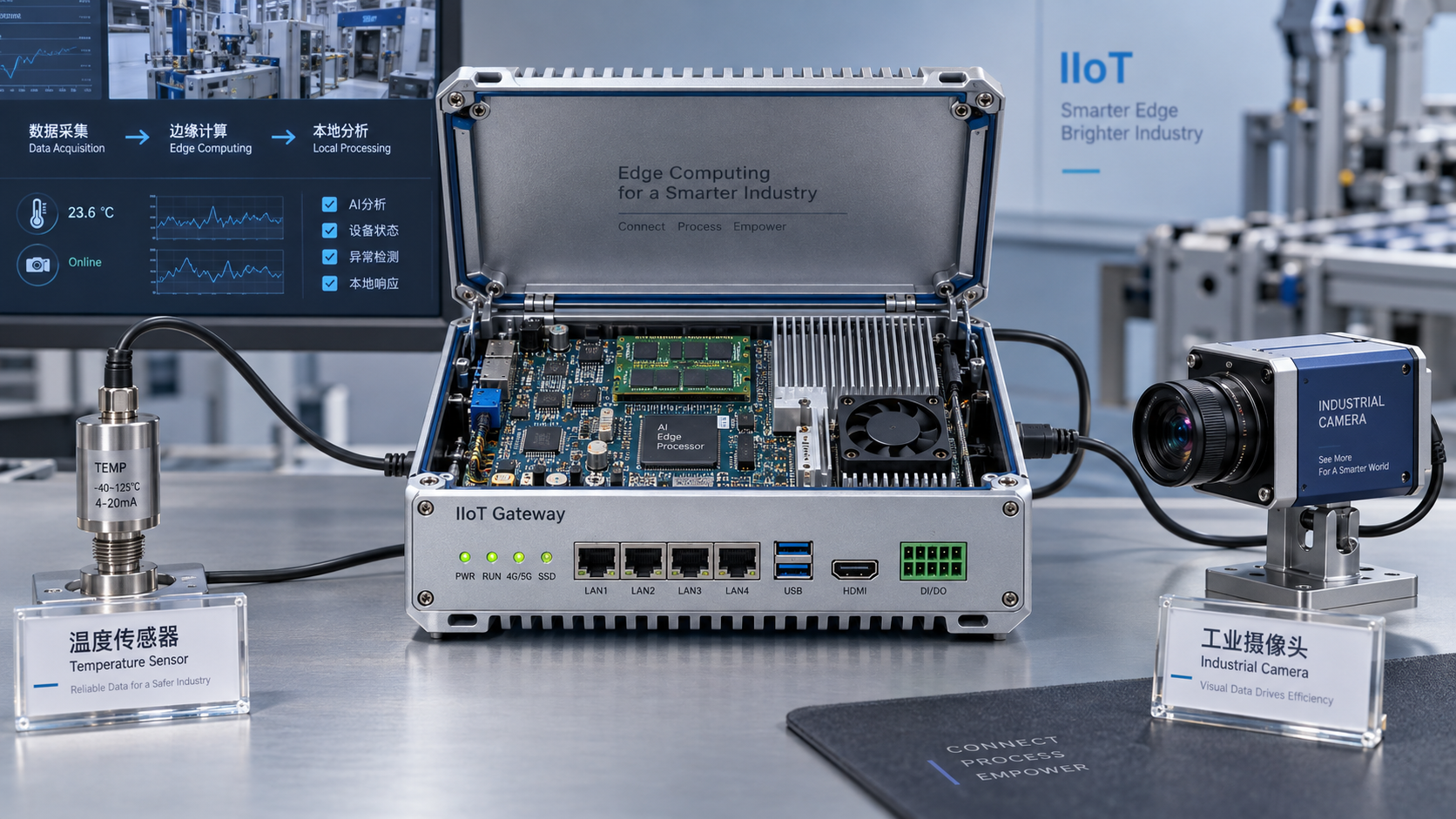
How much RAM does edge computing hardware for IoT applications need?
Key Takeaways
- How much RAM does edge computing hardware for IoT applications need?IT & Security Director
- How to evaluate precision livestock farming companies for grazing herdsAgri-Tech Strategist
- How to assess an agricultural machinery manufacturer's parts supportAgri-Tech Strategist
- What drives industrial automation cost in a new production line?Chief Civil Engineer
- What makes Ethiopia poultry farming profitable for small-scale producers?Agri-Tech Strategist
- What Are the Biggest Risks of Single-Source Chemical Procurement?Lead Materials Scientist
- Are Cloud Procurement Platforms Worth It for Chemical Sourcing?IT & Security Director
- How to Verify a New Materials Supplier’s Technical DocumentationLead Materials Scientist
Industry Overview
We do not just publish news; we construct a high-fidelity digital footprint for our partners. By aligning with TNE, enterprises build the essential algorithmic "Trust Signals" required by modern search engines, ensuring they stand out to high-net-worth buyers in an increasingly crowded global digital landscape.
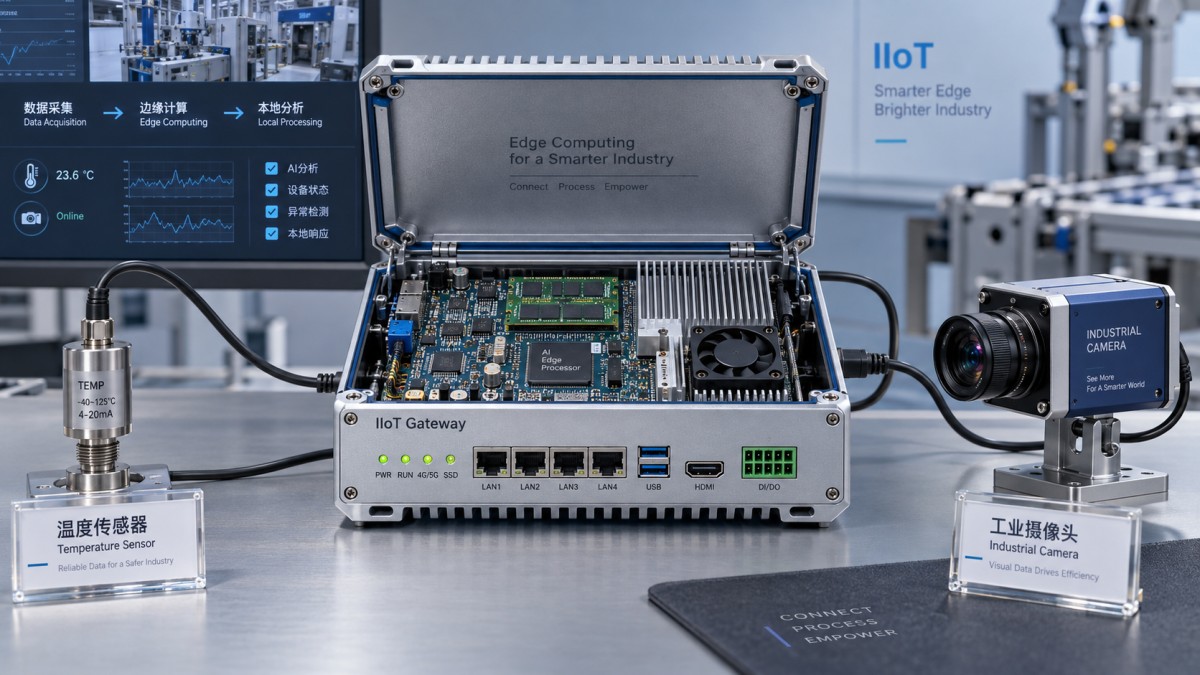
A lightweight sensor gateway may operate with 256–512 MB of RAM, while an edge device running Linux, multiple containers, local analytics, or AI inference can need several gigabytes. For an initial shortlist, 1–2 GB can suit a lean Linux gateway, 4–8 GB provides more room for several application services, and 8–16 GB or more may be appropriate for demanding vision or analytics workloads. These are starting points for evaluation, not guaranteed requirements.
The right amount of RAM depends on the complete software stack and its highest credible concurrent workload. A device that forwards small telemetry messages has a different memory profile from one that decodes camera streams, maintains a local database, and runs inference. When selecting edge computing hardware for IoT applications, size memory around those operations, including what happens during network outages, service restarts, and software updates.
Start with the workload, then choose a RAM range
Device count alone is a weak sizing measure. Hundreds of sensors sending occasional temperature readings may create less memory pressure than a few cameras producing continuous video. Message frequency, payload size, processing complexity, and the amount of data retained locally all affect the result.
The following ranges can help narrow a hardware shortlist. Each assumes that the operating system and application stack are selected to fit the available resources.
- 256–512 MB: A candidate for a tightly constrained gateway performing protocol conversion, simple filtering, and telemetry forwarding. This requires a small software footprint and bounded queues. A full general-purpose software stack can make this range impractical.
- 1–2 GB: A reasonable evaluation range for a lean Linux gateway with a limited number of services, modest buffering, and lightweight local processing. Management agents, databases, or heavier application runtimes can quickly reduce the available margin.
- 4–8 GB: A useful starting range for several containers, local dashboards, more substantial analytics, or a database operating alongside communications services. Whether 4 GB is sufficient depends heavily on concurrency and data retention.
- 8–16 GB or more: A range to investigate for multiple video streams, larger inference workloads, or substantial concurrent processing. Some optimized AI applications need less; larger models or pipelines may exceed this range.
These bands overlap because implementation choices matter. A compiled application with bounded buffers can have a much smaller footprint than an application using a managed runtime and holding large datasets in memory. Two products offering similar functions may therefore need different RAM capacities.
Also distinguish a microcontroller running firmware or an RTOS from a Linux edge computer. A microcontroller-based endpoint may need far less memory than these gateway ranges. Its requirements should come from firmware allocation, task stacks, communications buffers, and any embedded inference workload. Applying Linux gateway assumptions to that class of device would distort the selection.
Build a memory budget that includes operational peaks
A defensible budget separates the platform baseline, application working memory, data queues, and transient allocations. The platform baseline includes the operating system, drivers, networking services, security tools, and remote-management software. Measure it with the intended production configuration: an evaluation image without monitoring or device-management agents can understate the deployed footprint.
Application memory includes more than the main process. Account for worker processes, application runtimes, local databases, protocol adapters, and supporting services. Containers share the host kernel, but each workload still needs its own process memory and may duplicate libraries or runtime components. Container image size on disk does not establish how much RAM a running container requires.
Data queues deserve separate attention because they expand when another part of the system slows down. A disconnected uplink, a busy database, or a downstream processing delay can cause messages to accumulate. If the software has no firm queue limit, additional RAM may only postpone an eventual failure.
A useful planning relationship is:
Required usable RAM = platform baseline + peak concurrent application memory + bounded buffers + transient allocations + operating margin.
“Peak concurrent” matters. Adding the separate maximum memory usage of every service can overestimate demand if those peaks cannot occur together. Conversely, adding their average usage can miss a restart, database operation, or inference task that coincides with a burst of incoming traffic. Build the budget around combinations the device can actually encounter.
Consider an illustrative Linux gateway budget: 350 MiB for platform services, 450 MiB for applications, 300 MiB for bounded data queues, 200 MiB for database working memory, and 150 MiB for transient operations. Those assumed allocations total 1,450 MiB before an operating margin. They are an arithmetic example, not measured requirements for a particular product.
A 2 GB configuration might appear sufficient for that budget, but the selection would depend on usable memory, overlapping allocations, and the deployment’s acceptance criteria. A 4 GB option would offer more space for growth and unexpected peaks. The decision should follow measurement rather than the apparent precision of the spreadsheet.
For preliminary planning, an evaluator might add a margin such as 25–40% above the estimated concurrent peak. That is a planning choice, not an industry requirement. A stable appliance with fixed software and bounded inputs may justify a smaller margin after testing. A device expected to gain services or support larger models needs a budget for those specific additions.
Use consistent units when comparing the budget with hardware specifications. Memory tools may report MiB or GiB while documentation uses MB or GB. Check the memory available to the operating system as well as the installed capacity. Firmware, graphics, and accelerator reservations can reduce what applications can use.
Keep long-duration buffering out of the RAM budget where possible
Outage tolerance can become the largest sizing variable if all queued data remains in memory. As an illustrative calculation, 1,000 messages per second at 200 bytes each produces 12 MB of raw payload per minute. Ten minutes would accumulate 120 MB before message metadata, indexes, object overhead, and any copies made during processing.
That calculation is useful for exposing the buffering requirement, but raw payload size is not a reliable prediction of allocated memory. A parsed message represented as application objects can occupy considerably more space than its encoded form.
For longer outages, evaluate a persistent queue with a bounded in-memory working set. This moves part of the requirement to storage capacity, write endurance, recovery behavior, and disk-full handling. RAM remains necessary for active processing, but it no longer has to hold the entire outage backlog. Confirm what happens when either the memory queue or persistent storage reaches its limit.
AI and video need a pipeline-level estimate
An AI model’s file size is only one part of its memory requirement. Inference also needs memory for intermediate activations, input and output tensors, runtime libraries, and working buffers. Some pipelines retain multiple frames or requests to improve throughput, increasing peak demand.
For camera applications, budget for decoding and preprocessing before considering inference. Compressed video size does not represent the memory occupied by decoded frames. Resolution, pixel format, concurrent streams, and the number of frames retained in each pipeline all affect the working set.
A modest detection model processing one low-resolution stream may fit within a relatively small system. Multiple high-resolution streams, parallel models, or larger batches can require substantially more RAM. A requirement expressed only as “supports AI” offers little help in choosing between 4 GB, 8 GB, and 16 GB configurations.
Ask which memory pool the workload uses. An accelerator with dedicated memory has different constraints from an integrated accelerator sharing system RAM. In a shared-memory design, the CPU application, video pipeline, and accelerator may compete for the same capacity. In a dedicated-memory design, enough system RAM does not guarantee that the model fits the accelerator’s memory.
Capacity and bandwidth also answer different questions. A model may fit in RAM yet fail its latency target because of memory bandwidth, compute limitations, or data movement. Increasing capacity alone will not resolve every inference bottleneck. Test the complete pipeline at the required stream count, resolution, and processing rate.
Validate the smallest configuration under realistic stress
Minimum software requirements usually establish that a workload can start. Hardware selection needs evidence that it can remain responsive through expected operating conditions. Test the actual operating-system image, application versions, model files, and management agents intended for deployment.
Begin with steady operation at the target load, then introduce the conditions most likely to increase memory demand:
- Peak input: Run the maximum supported message rate, payload size, or camera configuration, including plausible bursts.
- Connectivity loss: Interrupt the uplink for the required outage interval, then restore it while new data continues to arrive.
- Service recovery: Restart applications and exercise reconnect behavior to expose temporary duplication and queue growth.
- Maintenance: Run updates, database maintenance, or model replacement where these operations can overlap with production work.
- Extended operation: Continue long enough to reveal gradual memory growth, cache behavior, and unreleased allocations.
Observe available memory, application and container usage, queue depth, swap activity, memory-pressure indicators, and out-of-memory events. Record end-to-end latency and data loss alongside those measurements. A device that stays running while repeatedly missing its processing deadline has not passed.
On Linux, low “free” memory alone does not prove a shortage because the system uses otherwise available RAM for reclaimable caches. Available memory and memory-pressure behavior provide more context. Avoid simply summing process memory figures without accounting for shared pages; use system-level measurements and container-level accounting where applicable.
Swap can absorb some pressure, but sustained swapping may introduce latency and additional storage writes. Its acceptability depends on the workload and storage design. For time-sensitive processing, define a response-time requirement and verify it under memory pressure instead of treating swap as equivalent to physical RAM.
Also test container limits. A service can be terminated when it exceeds its configured limit even if the host has spare RAM. Conversely, generous limits across several containers do not ensure that the host can support all of them reaching those limits together.
Set pass criteria before comparing hardware. These might include bounded queues, no out-of-memory termination, acceptable response times during backlog recovery, and sufficient remaining capacity after an update. Numeric thresholds should follow the application’s service requirements. A generic target for unused RAM offers little value without that connection.
Choose capacity against the expected service life
Once a configuration passes, compare the cost of additional RAM with the likelihood and consequence of future demand. Many embedded devices have soldered memory, so a later capacity increase can require replacing the board. That makes the intended software roadmap relevant to the initial purchase.
Separate planned additions from vague expansion promises. If a gateway will later host another protocol service, a larger inference model, or longer local retention, estimate those workloads explicitly. Extra RAM can accommodate growth, but an unbounded queue or memory leak still needs a software correction.
Check what changes between memory options. A higher-capacity model may also use a different processor, board revision, memory technology, or power configuration. Verify performance and power against the candidate hardware rather than assuming that doubling RAM has a fixed effect on either.
For a fixed-function telemetry gateway, a validated 1–2 GB configuration may be a sound choice. For several evolving Linux services, 4–8 GB may provide a more practical starting point. For vision and AI, choose only after measuring the intended pipeline and its shared or dedicated memory requirements.
The purchase specification should state both the RAM capacity and the workload it must sustain: input rate, concurrent services, outage duration, maintenance behavior, and response-time limits. That gives suppliers a concrete acceptance target and gives the engineering team a clear boundary for future software changes.
Deep Dive
Related Intelligence
 Cloud InfrastructureWhy do project managers choose ERP software with built-in compliance tracking for green building projects?Analyst:IT & Security Director
 Cloud InfrastructureHow do barcode scanners improve inventory accuracy on large-scale construction sites with mixed material deliveries?Analyst:IT & Security Director
 Cloud InfrastructureWhat ERP software features help procurement teams track chemical inventory across multiple construction sites?Analyst:IT & Security Director