How Can We Recover Supplier Compliance Files After a Cloud Outage?
Key Takeaways
- The Kyiv Independent Hit by Suspected Russian CyberattackIT & Security Director
- What is editorial exposure and how does it differ from paid advertising?IT & Security Director
- Apple Warns Users in 99 Countries of Spyware; German Lawmakers' Devices SuspectedIT & Security Director
- How to write technical content for exporters selling machinery abroadChief Civil Engineer
- BW ESS Brings Hams Hall, Europe's Largest Operating Battery Storage Project, OnlineAutomotive Tech Analyst
- How to size electric motors for pumpsChief Civil Engineer
- Trump Administration Pledges $15 Billion in Farm Aid Ahead of Midterm ElectionsAgri-Tech Strategist
- When does automated food processing technology pay for itself?Agri-Tech Strategist
Industry Overview
We do not just publish news; we construct a high-fidelity digital footprint for our partners. By aligning with TNE, enterprises build the essential algorithmic "Trust Signals" required by modern search engines, ensuring they stand out to high-net-worth buyers in an increasingly crowded global digital landscape.
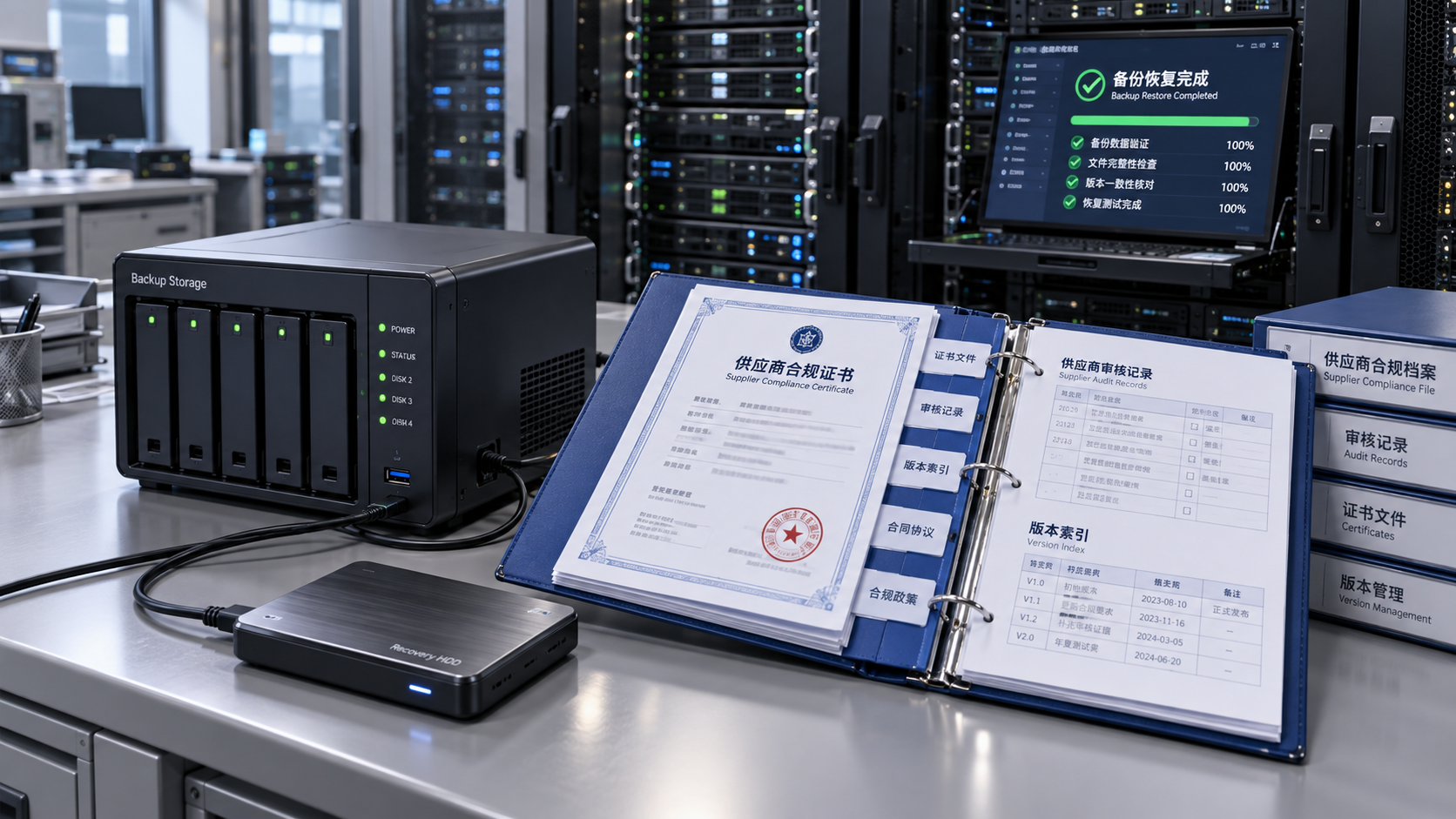
Recover supplier compliance files after a cloud outage by first establishing whether the records are inaccessible, deleted, corrupted, or disconnected from their application. Preserve the current environment, identify a recovery point that predates any damage, and restore a small sample into an isolated location before releasing the full collection. Recovery is complete only when documents open correctly, match the right suppliers and products, retain their approval history, and enforce the intended access permissions.
A cloud service becoming available again does not prove that its records are complete. Certificates, declarations, audit attachments, and approval data often reside in separate systems. Restoring the files alone can leave supplier approvals unsupported or attach a valid document to the wrong manufacturing site.
Are the files actually lost, or is access failing?
Start with the provider’s service status and the affected application’s error messages. Record when access first failed, which locations are affected, and whether the problem involves every document or only particular folders, suppliers, or file types. A public status page provides context, but account-specific errors and storage logs are needed to establish what happened to the records.
An access-denied message does not establish that a file was deleted. Likewise, an empty application folder does not establish that the underlying storage is empty. These distinctions determine whether the next action should repair access, rebuild application links, or recover document content.
What should happen before a restore begins?
Open an incident record and preserve relevant storage events, application errors, administrative changes, and backup job results. Record timestamps with their time zones. A consistent timeline helps distinguish the original outage from changes introduced during recovery.
Pause automated processes that could spread damage or overwrite useful evidence. These include deletion jobs, document synchronization, retention cleanup, and integrations that replace remote content with a local copy. Pause them selectively: stopping an unaffected backup job could remove a useful recovery opportunity.
If unexpected encryption, suspicious deletions, or unauthorized access appears alongside the outage, isolate affected connections and establish a trusted recovery environment. Restoring into an environment that remains compromised exposes recovered records to the same damage.
Preserve existing objects and versions before making changes. Do not overwrite the original collection during the first recovery attempt. A separate destination allows comparison and keeps a failed restore from destroying material needed for another attempt. Restrict access to that destination because supplier audits and supporting evidence can contain confidential information.
Which recovery source should be used?
Choose a source by its verified contents and recovery coverage, rather than its latest timestamp. Native version history is useful for accidental overwrites or deletions when the storage service and administrative controls remain trustworthy. A snapshot can recover a broader collection, while an independent backup provides an alternative when the original account or service is unavailable.
Replication requires special care. A replica can reproduce deletions, corruption, or unauthorized changes from its source. Confirm whether it retains an earlier usable state before treating it as a recovery copy.
For each candidate source, establish:
- The last successfully completed recovery point, including whether subsequent incremental copies are required.
- Whether coverage includes document content, application records, permissions, attachments, and version history.
- Any dependence on the affected account, region, identity service, or encryption keys. A backup that depends on the unavailable service may remain inaccessible.
- The result of an actual sample restore. A successful backup job status alone does not demonstrate that the required files can be recovered.
Select the recovery point against the incident timeline. The newest copy could already contain damage that began before the visible outage. Compare suspect records with earlier versions and logged changes to find the latest trustworthy state.
Cloud redundancy supports availability, but it does not automatically provide historical recovery. Confirm the actual retention and restore capabilities of the service in use.
Which supplier documents should be restored first?
Prioritize documents tied to an immediate operational decision: an upcoming shipment, a pending supplier release, an expiring approval, or an open corrective action. Restoring alphabetically or by folder size can leave the most consequential gaps unresolved.
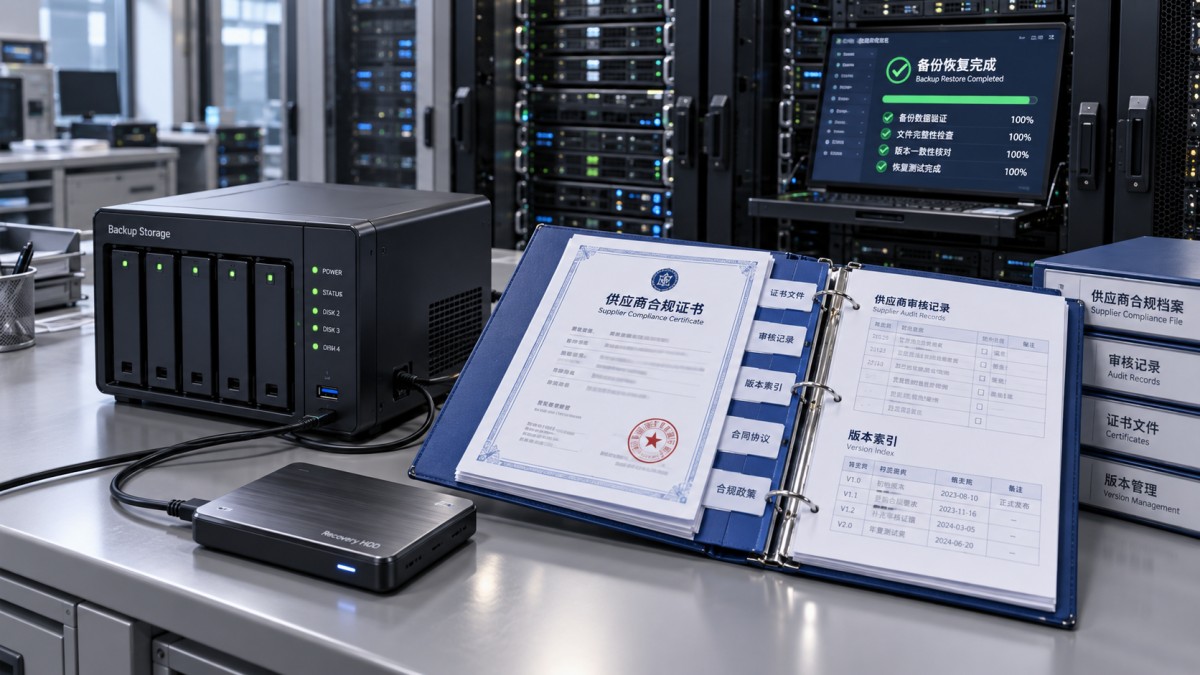
Create a recovery register that connects each required record to its supplier identifier, applicable site, product or material, document type, revision, validity dates, and associated transaction. Include the original storage reference and approval status when available. Filenames alone are unreliable identifiers because suppliers frequently reuse names such as “certificate.pdf.”
Restore complete evidence groups where a decision depends on several records. A test report may require its batch reference and approved specification; an audit finding may require the corrective-action response and closure evidence. Recovering only the most visible attachment leaves the underlying decision difficult to verify.
Where evidence remains unavailable, record the gap against the affected approval or transaction. Keep a recovered document marked as awaiting validation until its identity and applicability have been established. Technical availability should not automatically reinstate an approval.
How do we restore files without losing their context?
Begin with a representative sample in an isolated recovery location. Include a recent document, an older revision, a restricted attachment, and a record with several supporting files. This exposes recovery problems that a single readable PDF would miss.
The restore sequence depends on the application. A document management system may need its database and object storage recovered to compatible points in time. If the database references a revision absent from storage, the application can display broken links even though both components restored successfully. Follow the application’s supported recovery procedure and reconcile references before reconnecting integrations.
- Prepare the destination with restricted access, working encryption, sufficient capacity, and the required application dependencies.
- Restore the sample and inspect both file contents and application behavior. Confirm that attachments resolve to the expected supplier records.
- Recover the prioritized collection while recording source recovery points, failed objects, and any transformations performed by the restore process.
- Compare recovered records with the recovery register, then expand recovery to the remaining collection.
Preserve metadata deliberately. Uploading a recovered file through a web interface can assign a new upload date, owner, or document identifier. Capture the original metadata separately when the restore mechanism cannot retain it, and record the relationship between the original and replacement identifiers.
Audit history also needs explicit treatment. A storage backup may retain file versions without preserving application approvals or comments. Recover those records from their authoritative source where available. Any reconstructed history should be distinguishable from original system events.
How can we verify that recovered compliance records are usable?
Validation needs to establish technical integrity, document identity, and operational applicability. Each answers a different question.
For technical integrity, compare file sizes and cryptographic hashes against trusted pre-incident manifests where available. A hash match supports the conclusion that the recovered bytes match the reference; it does not prove that the reference document was correct or current. Without a trusted reference, a newly generated hash establishes a baseline for subsequent comparisons.
Open representative files with their intended applications. Confirm that PDFs render all pages, spreadsheets retain required worksheets, and archives extract successfully. Scan recovered content before reconnecting it to production. If documents contain digital signatures, validate those signatures using the appropriate software; a visible signature image does not establish cryptographic validity.
Then examine the business details: supplier legal entity, manufacturing location, product scope, batch or lot reference, revision, and validity period. A certificate can be intact yet apply to a different facility or an expired approval period. Confirm that supporting attachments belong to the same record.
Reconcile counts and identifiers against a pre-incident inventory or another trusted record. Counts alone are insufficient because duplicates can conceal omissions. Report missing identifiers, unexpected revisions, unmatched attachments, and failed restores separately so that unresolved gaps remain visible.
Finally, test permissions through representative accounts. A successful administrator login provides little evidence that normal access works. Verify both permitted access and denied access, including external sharing links and supplier-specific restrictions.
Can email attachments or supplier replacements fill the gaps?
Email attachments, controlled local exports, and replacement submissions can fill gaps when primary recovery sources are incomplete. Treat them as candidate evidence until their provenance and applicability are confirmed.
Retain the original message or submission record, including sender, receipt time, and attachments. Compare the recovered copy with known document identifiers and revisions. A recent email does not necessarily contain the latest approved document; it could repeat an obsolete attachment.
A replacement issued after the outage also needs careful labeling. It can support a current decision without proving what evidence existed when an earlier shipment or approval occurred. Keep the replacement’s issue date and receipt date distinct from the historical record it replaces.
If no trustworthy copy exists, leave the evidence gap explicit. Do not recreate signatures, approval timestamps, or audit events from memory. Record any exception through the established approval process, with its scope and supporting rationale.
When is it safe to resume normal document workflows?
Resume affected workflows when the required evidence has passed validation, application links work, and access controls have been tested. Partial recovery supports a limited reopening only when the restored scope is clearly identified and unresolved records remain subject to their existing holds.
Reconnect synchronization and integrations in stages. Review queued uploads, deletions, and updates before releasing them: an old queue can overwrite recovered files or reapply the operation that caused the loss. Confirm which copy is authoritative before allowing two locations to synchronize.
Keep the recovery record alongside the incident history, including recovery points, validation results, missing evidence, and authorized exceptions. Set future recovery objectives around usable supplier records, including their metadata and dependencies. A recovery exercise should demonstrate that a document can support its intended approval decision after restoration, with the correct history and permissions intact.
Deep Dive
Related Intelligence
 Cloud InfrastructureWhy do project managers choose ERP software with built-in compliance tracking for green building projects?Analyst:IT & Security Director
 Cloud InfrastructureHow do barcode scanners improve inventory accuracy on large-scale construction sites with mixed material deliveries?Analyst:IT & Security Director
 Cloud InfrastructureWhat ERP software features help procurement teams track chemical inventory across multiple construction sites?Analyst:IT & Security Director